Large file uploads
Upload large video files, up to 500 GB each, that resume on their own
Dellro accepts files up to 500 GB each, so you can send a 100 GB wedding film master without splitting it. Uploads go in parts and resume after a dropped connection or a closed browser when you add the same file again, and folder uploads keep subfolders as photo sets.
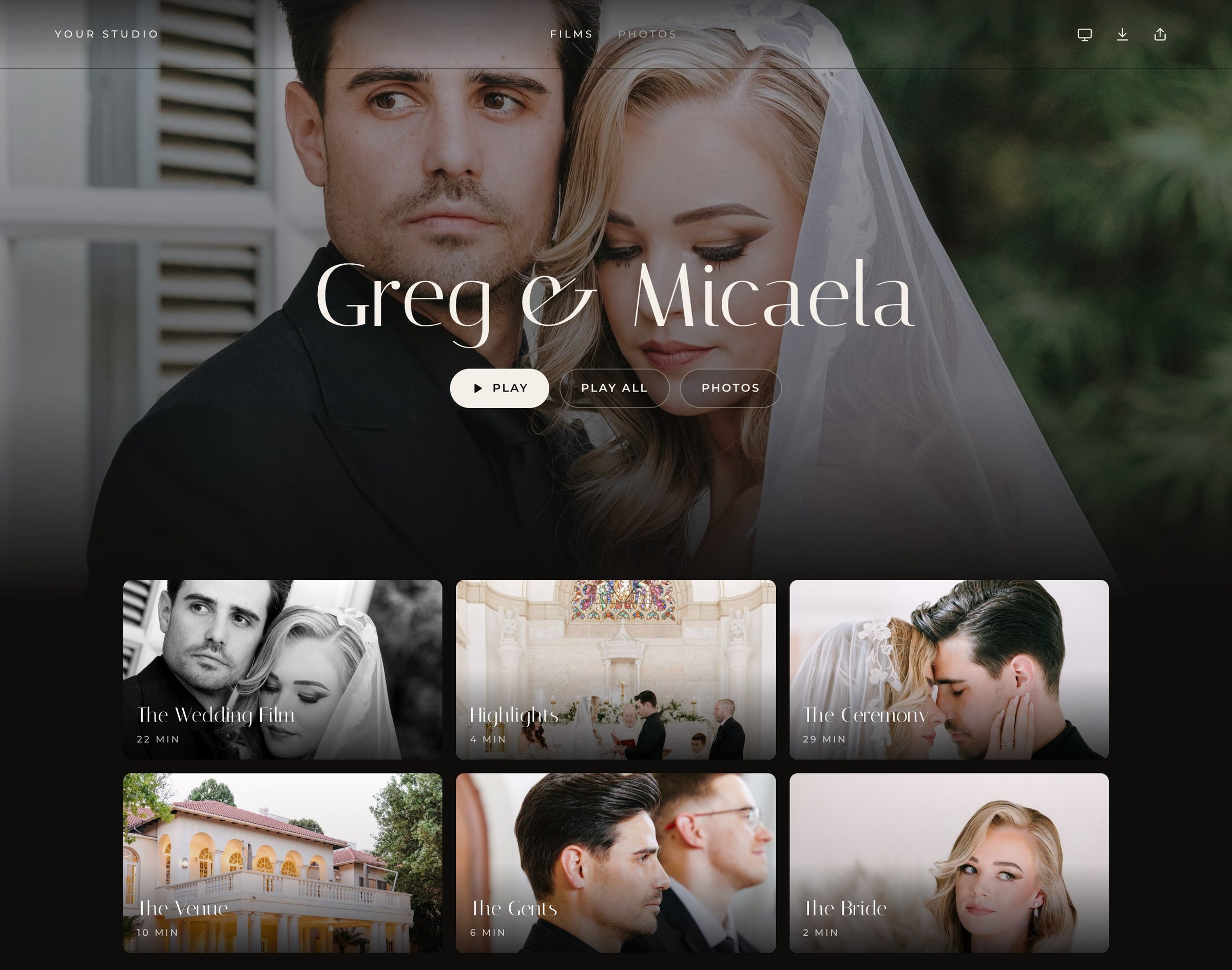
How to send a 100 GB video to a client
Wedding masters are big, and they are getting bigger. Rather than compressing your feature film until it fits a transfer limit, upload it to the couple's gallery at full size. Dellro handles files up to 500 GB, then prepares them for adaptive streaming so the couple can watch in the gallery and download when you allow it.
- 1Open the wedding galleryCreate the gallery for the couple, or open the one you started.
- 2Add the filmDrop in the file. MP4, MOV, MXF, MKV, M4V and other common containers are accepted.
- 3Let it upload in partsThe file goes up in parts. If the connection drops or the browser closes, add the same file again and it carries on.
- 4Wait for ProtectedOnce all three stored copies match the fingerprint from your browser, the file shows as Protected.
Uploads that resume after a dropped connection
Studio internet is not always perfect, and a large upload should not depend on nothing going wrong for hours. Because files upload in parts, a dropped connection or a closed browser does not send you back to the start. Add the same file again and the upload resumes.
Folder uploads that keep your structure
Drop a whole photo folder in and each subfolder becomes its own photo set. If your export is organised as Getting Ready, Ceremony and Reception, the gallery is too. More on that on the photo and video gallery page.
- Up to 500 GB per file
- Uploads in parts that resume after a dropped connection or closed browser
- Folder upload with subfolders kept as photo sets
- Duplicates are not stored twice if the file is already in the gallery
Fingerprinted and stored three times
Each file is fingerprinted with SHA-256 in your browser before it uploads, then stored as three copies that are checked against that fingerprint. The full detail is on the three-copy protection page.
How the upload allowance works
Plans count what you upload in a year, not what is stored, so delivered weddings never use next year's allowance. Solo includes 200 GB a year, Studio 1 TB and Signature 5 TB, and pay as you go packs are available. Our guide on how to send large video files to clients explains the wider workflow.
When the edit changes after upload
If the couple asks for a revision, upload the new version and replace the film. It keeps the same place in the gallery, so the link you sent and the layout you chose stay exactly as they were.
Send your next master at full size. See pricing or create your studio.
Questions
- What is the largest file I can upload?
- Up to 500 GB per file.
- What happens if my upload is interrupted?
- Uploads go in parts and resume after a dropped connection or a closed browser. Add the same file again and it continues.
- Do uploads need extra software?
- No. Uploads go straight from your web browser, up to 500 GB per file, and resume if the connection drops.
- Does stored footage count against my yearly allowance?
- No. The allowance counts what you upload in a year, not what is stored, and delivered weddings never use next year's allowance.