Watch on TV
Let couples watch their wedding film on TV, the way it deserves
Couples can watch their wedding film on TV in three ways: open the Dellro TV page in a smart TV's web browser and pair it with a 6-character code from their phone, use AirPlay to an Apple TV, or use Chromecast. There is no login on the TV, and the gallery is driven with the TV remote.
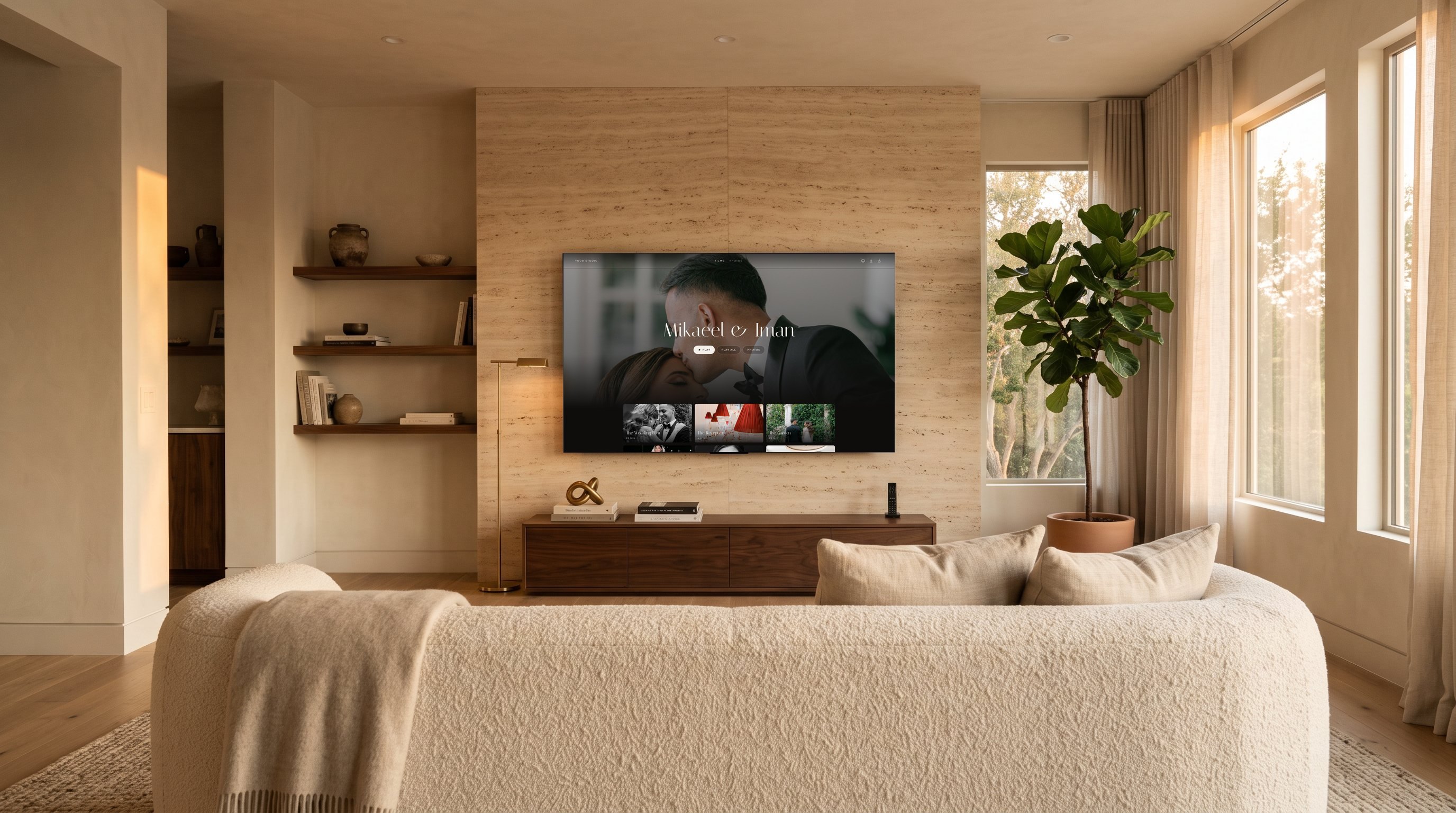
How couples watch their wedding film on TV
Most families want to see the film together on the biggest screen in the house. Dellro is built so that moment is simple, without cables or passwords typed on a remote. The TV never needs an account; the couple's phone, already signed in to the gallery, does the work.
- 1Open the TV page on the televisionIn the smart TV's web browser (Samsung, LG, Android TV, Fire TV and others), open the Dellro TV page. It shows a 6-character code.
- 2Type the code into the gallery on the phoneOn the phone, open the wedding gallery and enter the code shown on the TV.
- 3Watch, driven by the remoteThe gallery opens on the TV. Couples browse films and photo sets and press play with the TV remote.
AirPlay and Chromecast from the player
If the household has an Apple TV, the film can be sent with AirPlay straight from the Dellro player. On TVs and devices that support Google Cast, Chromecast works the same way from the player. Both are simple options for couples who already use them every day.
Wedding video on TV, without a store app
Dellro works through the TV's own web browser, AirPlay and Chromecast. Apps in the TV app stores are not available yet, so there is nothing for couples to search for or install. The pairing code approach means any smart TV with a modern browser can become the screen for the premiere night.
- Smart TV browser on Samsung, LG, Android TV, Fire TV and others, paired with a 6-character code
- AirPlay to Apple TV from the player
- Chromecast (Google Cast) from the player
- No login on the TV, so no passwords typed with a remote
Private on the big screen too
A paired TV follows the gallery's privacy settings. If you revoke a guest or change the gallery password, paired TVs are signed out as well. Read more about access options on the private galleries page.
Picture quality on a large screen
Films stream adaptively up to 4K when you deliver a 4K source, so a 75-inch living room TV shows your grade at full resolution as the connection allows. The details are on the 4K film streaming page, and our guide to watching a wedding film on TV is written so you can send it straight to couples.
Helping couples on the night
Couples are rarely technical, and they should not need to be. Send them our TV guide with the delivery email, or include the three pairing steps in your template. If the TV has a browser, it works; if they own an Apple TV, AirPlay is there; if they cast, Chromecast is there. One of the three will suit almost any living room.
Give your couples a premiere night in their own living room. See pricing or create your studio.
Questions
- How do I watch my wedding film on my TV?
- Open the Dellro TV page in your smart TV's web browser, type the 6-character code it shows into the gallery on your phone, and the gallery opens on the TV. You can also use AirPlay or Chromecast from the player.
- Is there a Dellro app for Apple TV or Roku?
- Not yet. Apps in the TV app stores are not available. On Apple TV, use AirPlay from the player; on other smart TVs, use the TV's web browser with a pairing code, or Chromecast.
- Do I need to log in on the TV?
- No. The TV shows a code and the phone, already in the gallery, pairs it. Nothing is typed into the TV except the TV page address.
- Which TVs work with the pairing code?
- Smart TVs with a web browser, including Samsung, LG, Android TV, Fire TV and others.