Guide
How to watch your wedding video on TV
The easiest way to watch a wedding video on TV is to stream it from the gallery: cast with AirPlay or Chromecast, or open the gallery in your smart TV's web browser. If those are not available, an HDMI cable from a laptop or a USB stick with a downloaded copy will also work.
Updated 18 October 2026
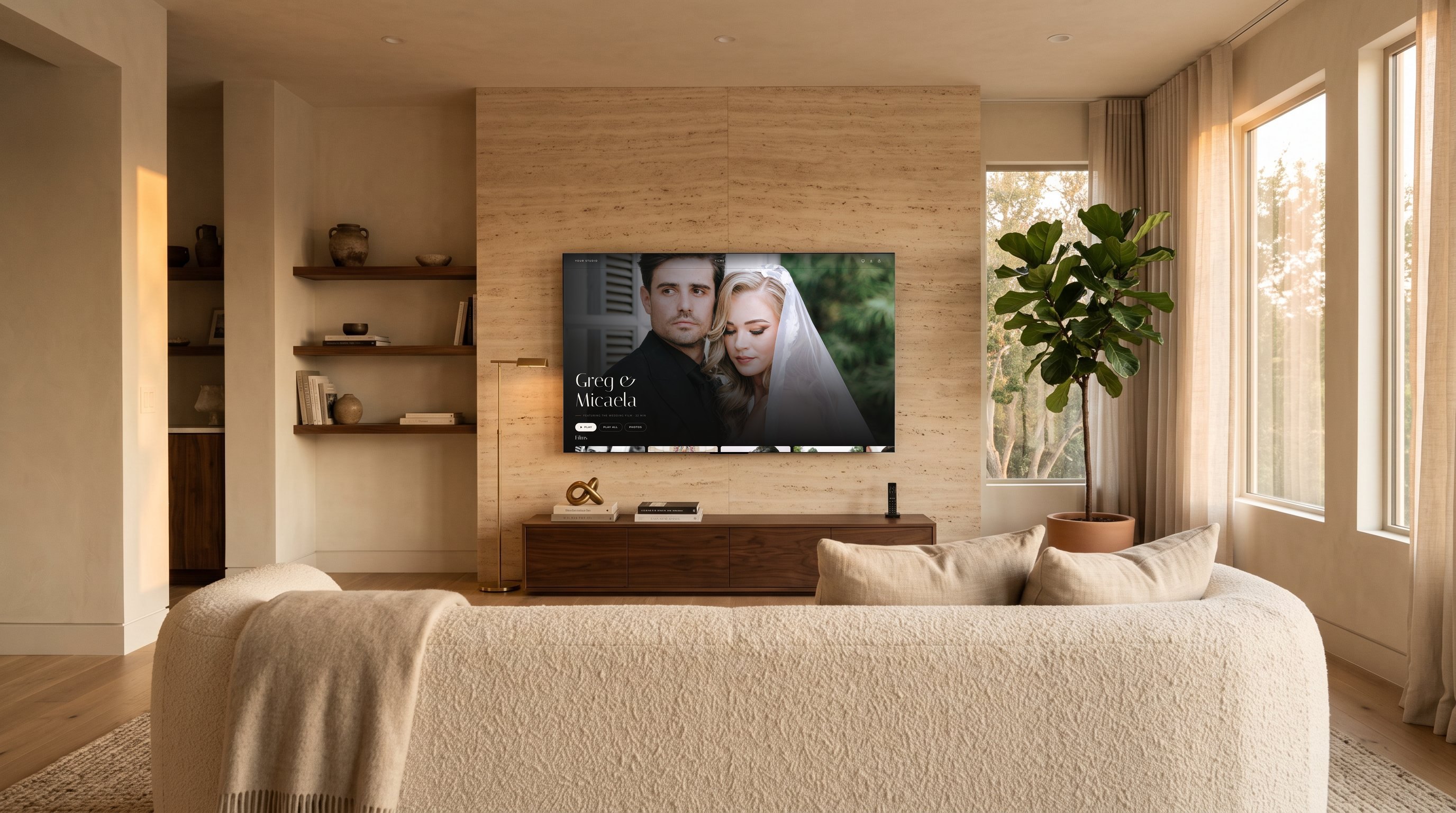
This guide is written for couples and their families as much as for studios. If you are a filmmaker, feel free to forward it with your delivery.
What are the ways to play a wedding film on a TV?
| Option | What you need | Good to know |
|---|---|---|
| AirPlay | An Apple TV or AirPlay-compatible TV, plus an iPhone, iPad or Mac | Tap the AirPlay icon in the player; the phone becomes the remote |
| Chromecast | A Chromecast or a TV with Google Cast built in, plus a phone or laptop on the same Wi-Fi | Tap the cast icon in the player and pick the TV |
| Smart TV browser | A smart TV with a web browser | No extra devices; quality depends on the TV's browser |
| HDMI cable | A laptop and the right cable or adapter | Reliable and simple, but the laptop must stay connected |
| USB stick | A downloaded file and a TV with a USB port | Works offline, but some TVs will not play every codec or very large files |
Casting with AirPlay or Chromecast
Casting sends the film from the internet straight to the TV, with your phone acting as a remote. Make sure the phone and the TV or streaming device are on the same Wi-Fi network, start the film, and tap the AirPlay or cast icon in the player. If the icon does not appear, the devices are usually on different networks.
Using the smart TV's web browser
Most smart TVs include a web browser. Typing long links with a TV remote is painful, which is why good delivery platforms offer a short pairing code instead of asking you to type an address and a password.
HDMI and USB
An HDMI cable from a laptop mirrors the screen, so anything that plays on the laptop plays on the TV. A USB stick works offline, but TVs vary in which formats they accept; H.264 MP4 is the safest choice, and very large 4K files may stutter on older sets.
How do you watch a Dellro gallery on a TV?
Dellro galleries are built to be watched on the big screen, with no login on the TV and no app to install. There are three ways.
- 1Open the TV page on your smart TVIn your smart TV's web browser (Samsung, LG, Android TV, Fire TV and others), open Dellro's TV page. It shows a 6-character code.
- 2Type the code on your phoneOpen the gallery on your phone and enter the code. The gallery opens on the TV.
- 3Use the TV remoteBrowse the films and press play with your TV remote. Nothing to sign in to on the TV.
- AirPlay: start the film on an iPhone, iPad or Mac and tap the AirPlay icon to send it to an Apple TV.
- Chromecast: tap the cast icon in the player to send the film to a Chromecast or a TV with Google Cast.
- Privacy carries through: if the studio revokes a guest or changes the password, paired TVs are signed out too.
Films stream with adaptive quality, up to 4K where the film was finished in 4K, starting at a lower quality and stepping up as the connection allows. Read more on watching on TV and 4K film streaming.
How do you get the best picture on a 4K TV?
- Stream rather than mirror. Casting with AirPlay or Chromecast, or opening the gallery on the TV itself, sends the film directly to the TV. Mirroring a phone screen can reduce quality.
- Give it a few seconds. Adaptive streaming starts at a lower quality and steps up as the connection allows, so the first moments may look softer than the rest.
- Choose a natural picture mode. Modes labelled Movie, Cinema or Filmmaker are usually closest to how the film was graded. Very bright showroom modes exaggerate colour.
- Turn off motion smoothing. It can make cinematic footage look like a soap opera.
Can family watch the wedding film on their own TVs?
Yes, if the studio has given them access. Depending on how the gallery is set up, family might open the same link, use a password, or receive a personal access code. Once they can open the gallery on a phone, they can pair their own TV with the 6-character code or cast it. Studios control this per gallery; see private galleries. If grandparents are not comfortable with technology, the simplest route is often for someone to pair the TV for them during a visit.
Why does my wedding video buffer on the TV?
- Weak Wi-Fi at the TV. TVs are often far from the router. Move the router, use a mesh point, or connect the TV with a network cable.
- Too many devices streaming at once. Pause other downloads and streams during the viewing.
- A very large downloaded file on USB. Some TVs cannot decode high-bitrate 4K smoothly from a stick. Streaming is usually smoother.
- An old browser on the TV. If the TV's browser struggles, cast with AirPlay or Chromecast instead.
Planning a first viewing with family? Our guide to planning a wedding film premiere includes a TV setup checklist.
Questions
- How do I watch my wedding video on my TV?
- Cast it from your phone with AirPlay or Chromecast, open the gallery in your smart TV's web browser, connect a laptop with HDMI, or play a downloaded copy from a USB stick. Streaming from the gallery is usually the simplest.
- Is there a Dellro app for my TV?
- Not in the TV app stores. Instead, you open Dellro's TV page in your smart TV's web browser, type the 6-character code into the gallery on your phone, and the gallery opens on the TV. You can also use AirPlay or Chromecast from the player.
- Do I need to log in on the TV?
- No. The TV pairs using a 6-character code entered on your phone, and you then use the TV remote.
- Which TVs work with Dellro?
- Smart TVs with a web browser, such as Samsung, LG, Android TV and Fire TV, plus Apple TV through AirPlay and devices with Google Cast through Chromecast.